
Domotz Collector Monitoring
Monitor Domotz Collector proactively by using our ready-to-use custom scripts!
Rely on Domotz scripts to ingest more data about:
- Diagnostic Data
- Resources
- CPU Information
Through those scripts, you’ll be able to monitor the Domotz collector itself, allowing the support team to troubleshoot issues faster.
Find all the scripts in our library, or customize them to fit your needs.

How to monitor Domotz Collector Diagnostic
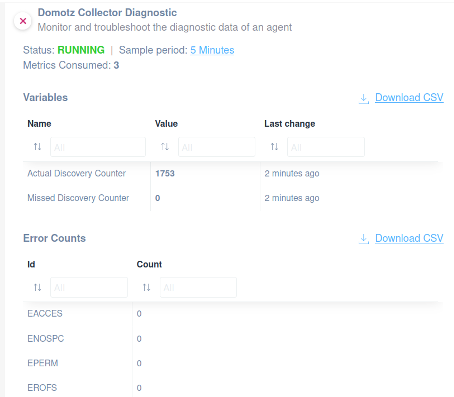
Monitor Domotz collector diagnostic data by using our custom script.
This script helps you monitor and troubleshoot the diagnostic data of a collector.
Use it to dynamically create a table to monitor the following information:
- Actual Discovery Counter
- Missed Discovery Counter
- Count
The script uses the HTTP protocol and has been validated and tested on Domotz collector 6.1.0-b001.
You can find this script in our library. Just customize it to fit your needs.
How to monitor Domotz Collector Resources
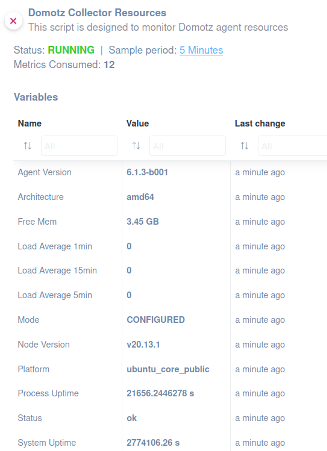
Applying the Domotz collector resources script, you’ll be able to extract information regarding the following:
- Status
- Mode
- Platform
- Architecture
- Agent Version
- Node Version
- System Uptime
- Process Uptime
- Load Average 1 min
- Load Average 5 min
- Load Average 15 min
- Free Mem
The script uses the HTTP protocol and has been validated and tested on Domotz collector 6.1.0-b001.
You can find this script in our library.
How to monitor Domotz Collector CPU information
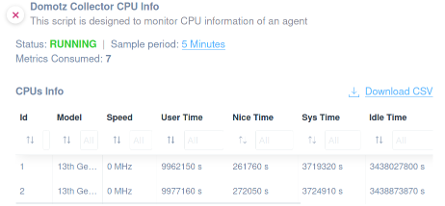
This script helps you to monitor CPU information of the Domotz collector.
The following information can be monitored:
- Model
- Speed
- User Time
- Nice Time
- Sys Time
- Idle Time
- IRQ Time
The script uses the HTTP protocol and has been validated and tested on Domotz Collector 6.1.0-b001.
Full network visibility with ready-to-use scripts
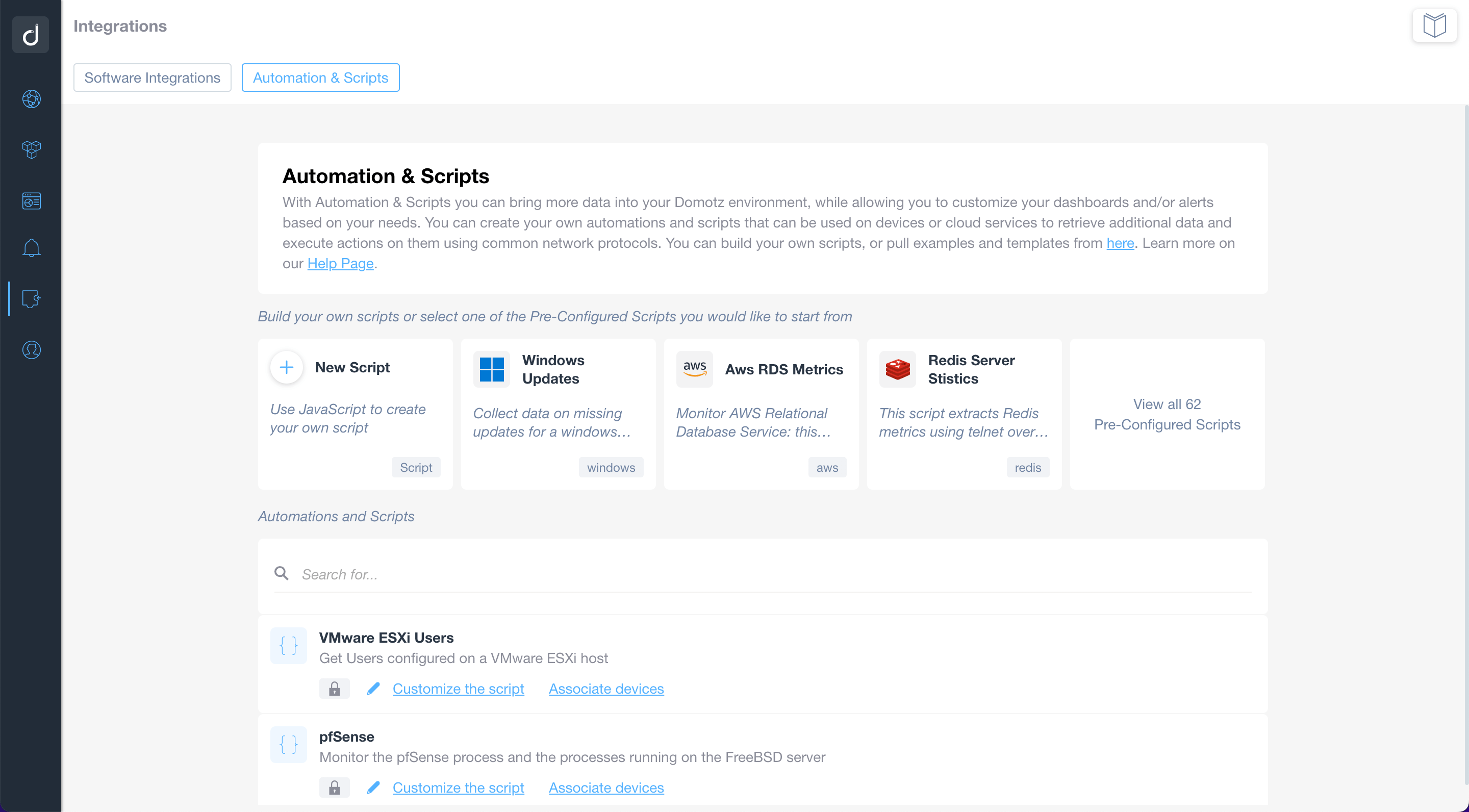
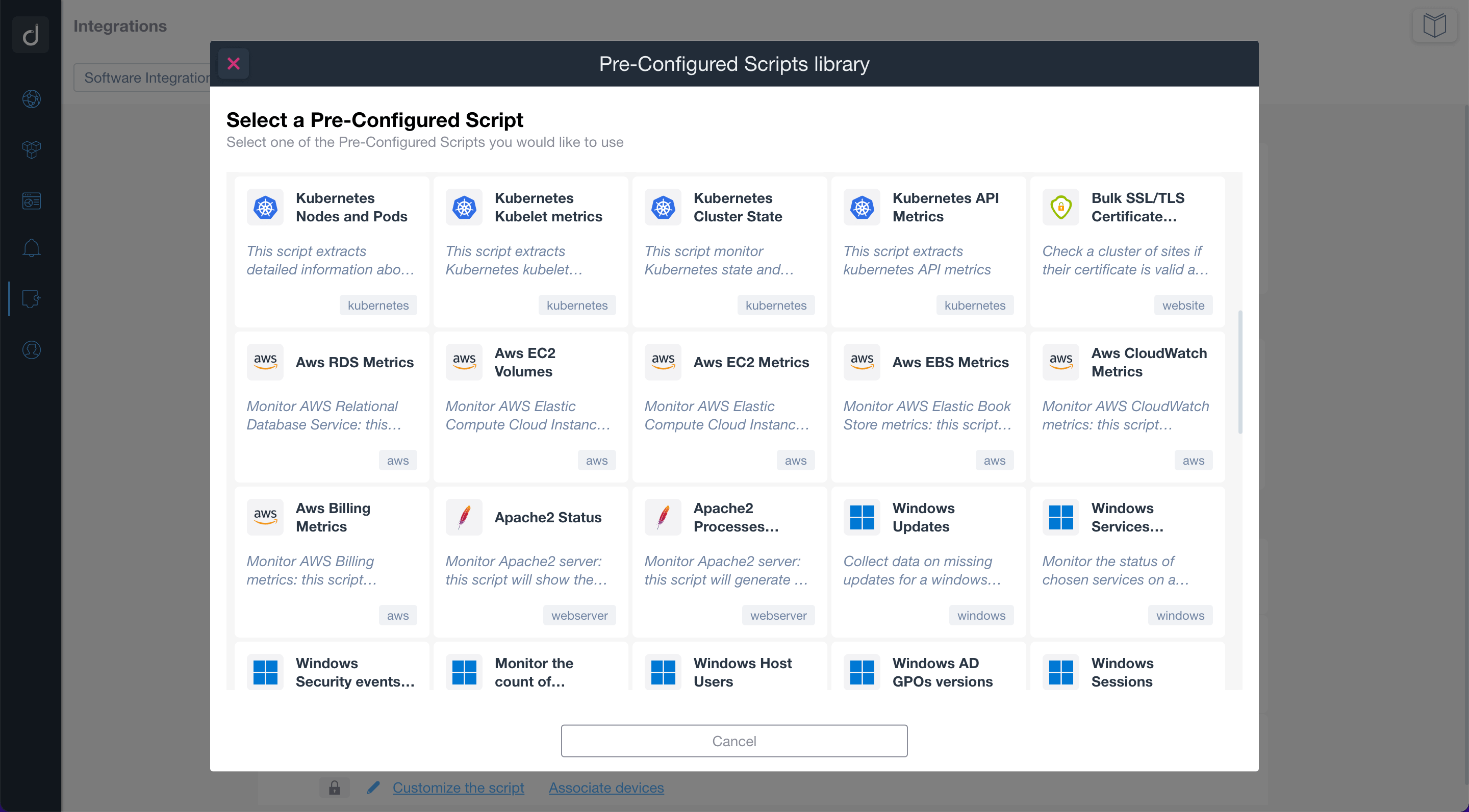
Use the pre-configured scripts to monitor and manage network-connected devices, cloud services, and web applications. By using standard network protocols, the scripts will allow you to retrieve valuable data and execute actions on the monitored devices and services.
Build or customize scripts according to your network monitoring needs.
Additionally, you can apply customized alerts on scripts to be notified when a specific event occurs.
